There is no best sitting posture
Physiotherapists don't agree on one. The Chartered Society of Physiotherapy says "There is no perfect posture or right or wrong desk set up" and "The key is to keep moving".
Posture guide
There is no single best way to sit. Desk set-up advice from workplace health regulators is about comfort and fit: the screen at about eye level, the keyboard near elbow height, and your feet and lower back supported. Set it up once, then stop worrying about holding a perfect position.
The bigger win is moving: short, frequent breaks, changing position, a sit-stand desk if you have one, and a few minutes of exercise. This guide gives the UK and US set-up advice, what trials show for set-up, breaks, standing desks and chairs, a 3-minute desk break and desk exercises with 3D demos, and when aches need checking.
Physiotherapists don't agree on one. The Chartered Society of Physiotherapy says "There is no perfect posture or right or wrong desk set up" and "The key is to keep moving".
The UK's Health and Safety Executive (HSE): top of the screen level with your eyes and about an arm's length away, keyboard just below elbow height, thighs and lower back supported. That makes you comfortable; on its own, it hasn't been shown to prevent aches.
HSE says 5 to 10 minutes every hour is better than 20 minutes every 2 hours, and the NHS advises getting up and moving around every hour or so.
Sit-stand desks cut sitting at work by about an hour a day and may ease back discomfort a little, but standing for more than 4 hours a day is linked with back symptoms. Switch between the two.
In office workers with neck pain, strengthening and general fitness training reduced pain, and 2 minutes a day of band exercise cut neck and shoulder pain in 10 weeks.
From the UK's Health and Safety Executive (HSE) and the US Occupational Safety and Health Administration (OSHA). It's for comfort and fit, not a guarantee against aches.
HSE: top of the screen level with your eyes, about an arm's length away, directly in front of you, and not facing a window or bright light. OSHA: at least 50 cm away, ideally 50 to 100 cm, with the top at or slightly below eye level. If you wear bifocals, lower the screen so you don't tip your head back, and make the text bigger rather than leaning in.
Set the seat so your thighs are supported and your feet are flat on the floor, with a footrest if they don't reach. HSE suggests a gap of 2 to 3 cm between the front of the seat and the back of your knee. OSHA counts leaning back in your chair, as well as sitting upright and standing, among comfortable working positions.
Use the chair's lower-back support, or a cushion or rolled towel if it has none. It's for comfort: lumbar supports haven't been shown to prevent back pain.
Keyboard just below elbow height, with your forearms roughly level, wrists straight and some space in front of it to rest your hands. Mouse close to the keyboard, in line with your elbow, forearm resting on the desk and not gripped tightly. In office workers followed over time, a keyboard close to the body went with more neck pain.
For long spells, use a separate keyboard and mouse and raise the laptop on a stand or books, or plug in a separate screen. With a laptop on their laps, people tipped their heads down more and bent their wrists back more than at a desk. At home you may not need office furniture, as long as you can work comfortably.
If you use a screen every day for an hour or more at a time, your employer must assess your workstation, plan breaks or changes of activity, give you training, and arrange and pay for an eye test if you ask. This applies to home workers too.
Shown nine sitting postures, 295 physiotherapists mostly chose one of two very different ones, and in a survey of 544, three different postures were picked as best. Healthy people needed feedback or hands-on help to copy one "ideal" sitting curve. A physiotherapy journal viewpoint notes that the belief that pain comes from sitting incorrectly lacks strong evidence, despite a large posture industry.
In a review of 24 studies, the best found no link between sitting at work and low back pain, and no sign that more sitting meant more pain. A review of 41 reviews found no agreement that sitting or other postures cause back pain.
A Cochrane review of 15 trials in 2,165 office workers found no effect for most workstation changes; adjusting the workstation and a sit-stand desk (one trial each) didn't reduce arm pain or discomfort. An arm support used with a different mouse design roughly halved new neck or shoulder problems in 2 trials. Another review found ergonomic changes no better than none for back and neck pain.
In a review of 27 workplace trials, neck and shoulder strengthening and general fitness training reduced neck pain in office workers who had it (moderate-quality evidence), and the more people took part, the bigger the effect. In 198 workers with neck and shoulder pain, 2 minutes a day of band exercise, 5 days a week, cut pain by 1.4 points out of 10 in 10 weeks.
In 142 office workers, a 10 to 15 minute stretching routine 3 times a week reduced neck, shoulder and low back aches over 6 months; workstation changes helped in the first months too.
No law sets how long or how often, but HSE says short, frequent breaks are better: 5 to 10 minutes every hour beats 20 minutes every 2 hours, and a break should let you get up and move, or at least stretch and change position. The NHS advises getting up and moving around every hour or so to lower the risk of blood clots.
Our editorial starting point: stand up and move for a minute or more every 30 to 60 minutes.
A Cochrane review of 6 small trials found that extra breaks may not reduce aches in healthy workers. But in a review of office workers, active breaks that changed posture reduced discomfort, and breaks didn't cost productivity. In 42 data-entry workers, an extra 5-minute break in each hour reduced discomfort and eye strain without slowing their work.
In 24 people with type 2 diabetes, 3 minutes of light walking or simple exercises (half squats, calf raises, buttock squeezes and knee raises) every 30 minutes lowered blood sugar after meals compared with sitting all day. The 3-minute desk break below uses these moves.
Source 35
Optometrists suggest looking at something 20 feet (6 metres) away for 20 seconds every 20 minutes. In 29 people with eye strain, reminders reduced symptoms over 2 weeks, but there was no comparison group and the benefit had gone a week after stopping. In a lab trial of 30 people, 20-second breaks made no difference. It's a reasonable habit with thin evidence.
Screen work doesn't permanently damage your eyes, but it can cause tired eyes, discomfort, temporary short-sightedness and headaches. Look into the distance from time to time and blink often.
In a Cochrane review, sit-stand desks reduced sitting at work by about 100 minutes a day in the first 3 months (10 studies, low-quality evidence) and by about an hour a day at 3 to 12 months. In an NHS trial of 146 office workers, desks with coaching cut sitting by 83 minutes a working day at 12 months, with better engagement at work and less fatigue.
In a review of 8 studies, sit-stand desks reduced low back discomfort slightly, by about a third to half a point on a 10-point scale. Switching between sitting and standing every 30 minutes for a week reduced fatigue and lower back discomfort in 23 office workers, and in 46 employees with long-lasting low back pain, a sit-stand desk eased their pain over 3 months.
Standing at work for more than 4 hours a day is linked with low back symptoms. In a lab study, 2 hours of standing computer work raised discomfort everywhere and made legs swell. In 7,320 Ontario workers followed for 12 years, mainly standing jobs carried about twice the heart disease risk of mainly sitting jobs.
No trial has found the right mix. An expert statement suggests working up to 2 hours a day of standing and light walking during work, then 4, but more than 4 hours of standing is linked with back symptoms. Our editorial suggestion: change between sitting and standing every 30 to 60 minutes, and keep moving.
The World Health Organization (WHO) says adults should limit the time they spend sedentary (sitting or lying while awake), and that replacing it with activity of any intensity, even light, helps. The UK Chief Medical Officers say break up long periods of inactivity with at least light activity. Neither sets a time limit or a break schedule, because the evidence can't yet.
In more than a million people, about 60 to 75 minutes a day of moderate activity, such as brisk walking, removed the higher risk of early death linked with sitting more than 8 hours a day. The NHS notes that you can hit your weekly activity target and still be at risk if you spend the rest of the time sitting.
Sitting still for long spells, such as on journeys of more than 4 hours, raises the risk of a deep vein thrombosis (DVT), a blood clot in a leg vein. The NHS advises against sitting still for long periods: get up and move around every hour or so.
Source 7
HSE and OSHA suggest a cushion or rolled towel if your chair doesn't support your lower back. In lab studies, a lumbar roll reduced how far people's necks bent forward (very low-quality evidence), and a lumbar pillow changed the lower-back angle by about 3 degrees without making people feel more comfortable. Lumbar supports haven't been shown to prevent or treat back pain.
In three small lab studies, sitting on an exercise ball didn't meaningfully change muscle activity, spine posture or spinal load compared with a chair or stool, and people reported more discomfort. The authors concluded the advantages may not outweigh the disadvantages.
In 20 people, a kneeling chair kept the lower-back curve closer to standing than an ordinary chair. In an older trial of 20 people, comfort ratings favoured the ordinary chair, neck and lower-back muscles worked harder in the kneeling chair, and the results didn't support the claim that it reduces back pain.
Armrests are optional: set them so your shoulders stay relaxed, or take them off if they get in the way. An arm support with a different mouse design reduced neck and shoulder problems in 2 trials. Alternative keyboards help keep your wrists straight, but there's no conclusive evidence that they prevent discomfort.
In 396 adults followed for a year, the angle of the neck while texting didn't predict new neck pain, but poor sleep and low activity did. In 150 young adults, neck posture while texting wasn't linked with neck pain. Neck aches are common in people who use phones and tablets a lot; our tech neck guide covers what helps.
Do two or three of these each hour without leaving your chair: 5 slow chin tucks, 3 to 5 upper-back lifts held 3 to 5 seconds, 6 slow rotations and 3 side bends each side, neck stretches held 20 to 30 seconds each side, 1 to 2 minutes of seated marching, and wrist stretches held about 30 seconds (the moves' own doses, except the chin tucks, which are our editorial starting point).
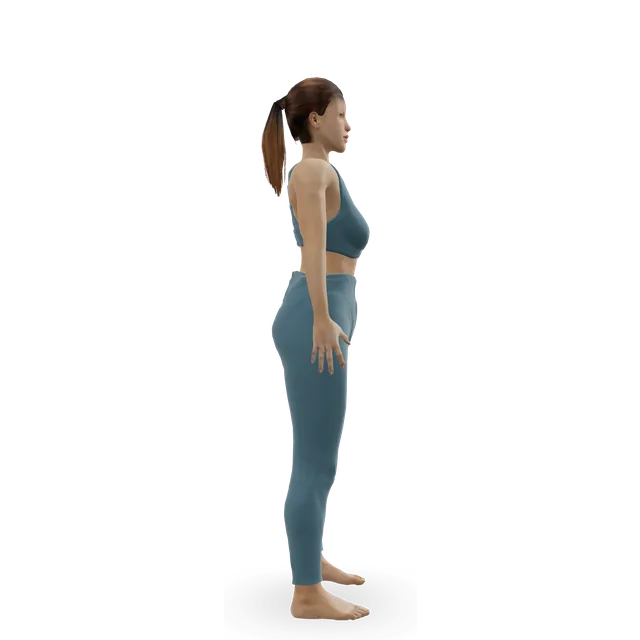 3D demoChin tuckBeginner · No equipment
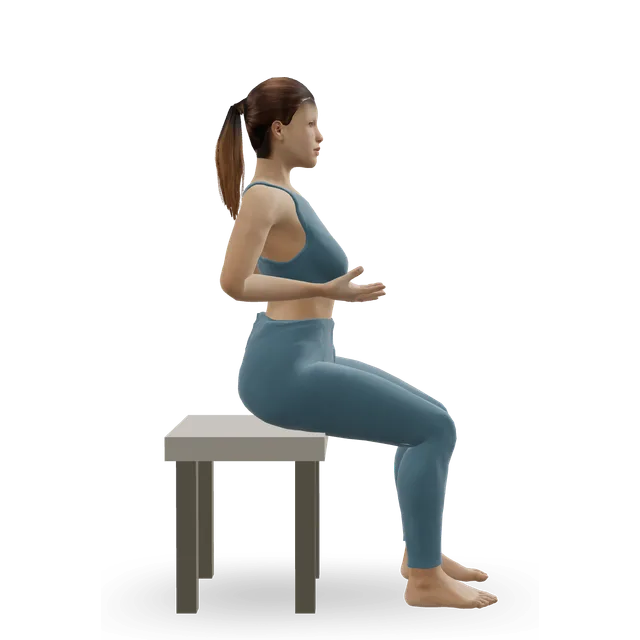 3D demoSeated upper-back lift (sit tall, shoulders back)Beginner · A bench or box
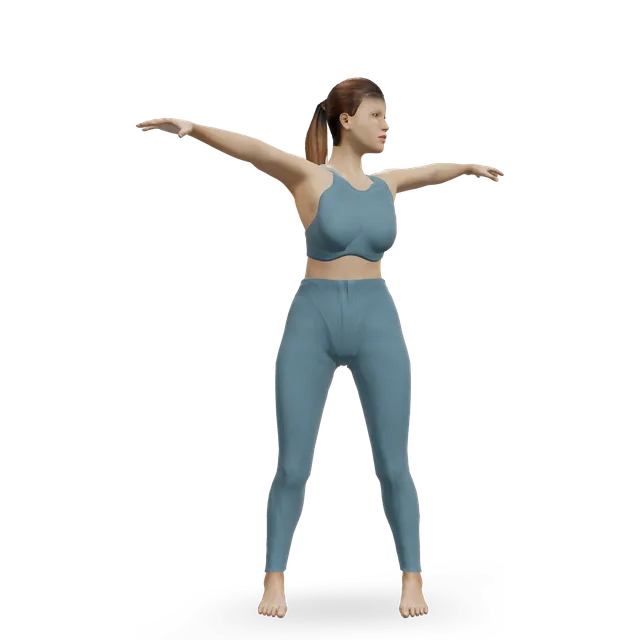 3D demoThoracic rotationBeginner · No equipment
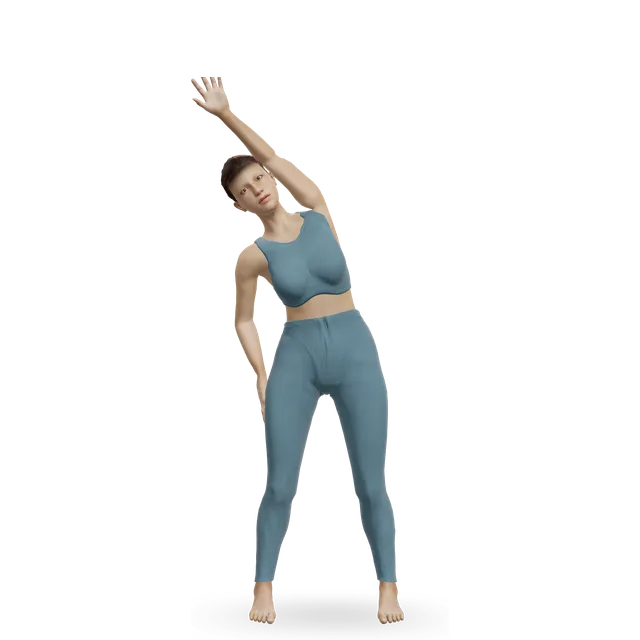 3D demoOverhead side bendBeginner · No equipment
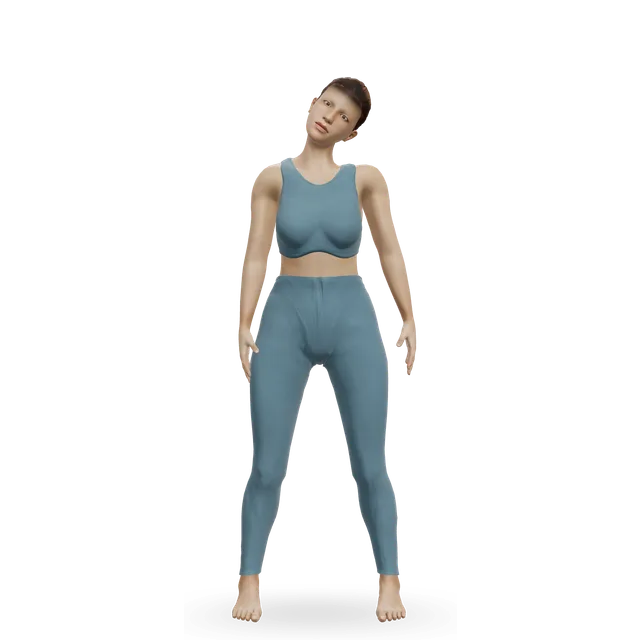 3D demoUpper trap releaseBeginner · No equipment
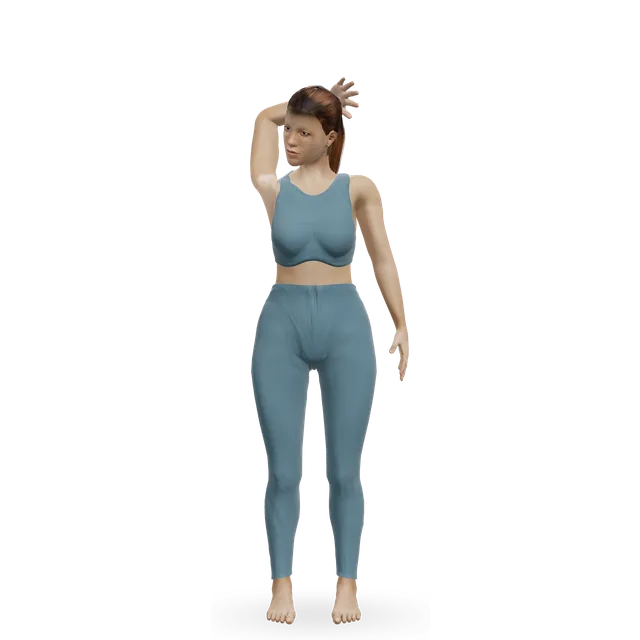 3D demoLevator Scapulae StretchBeginner · No equipment
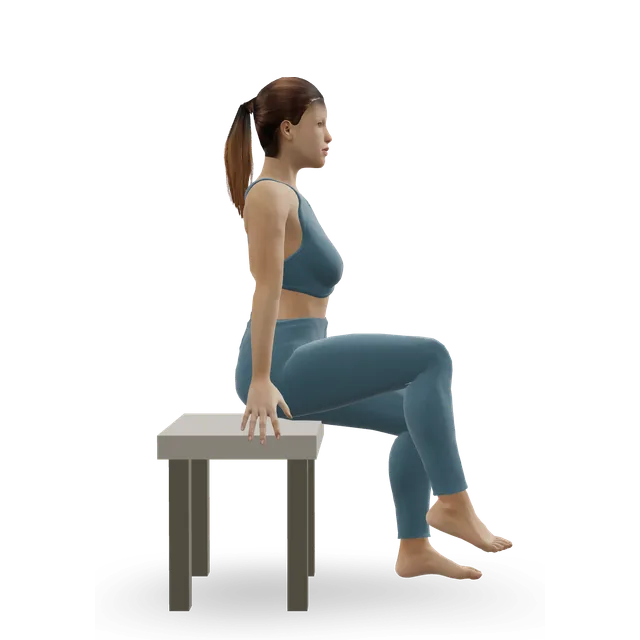 3D demoSeated marchBeginner · A bench or box
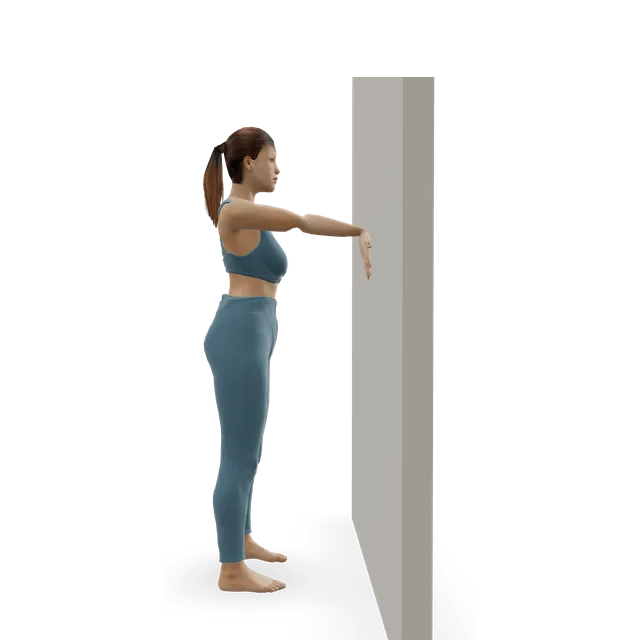 3D demoWrist flexor stretchBeginner · A wall
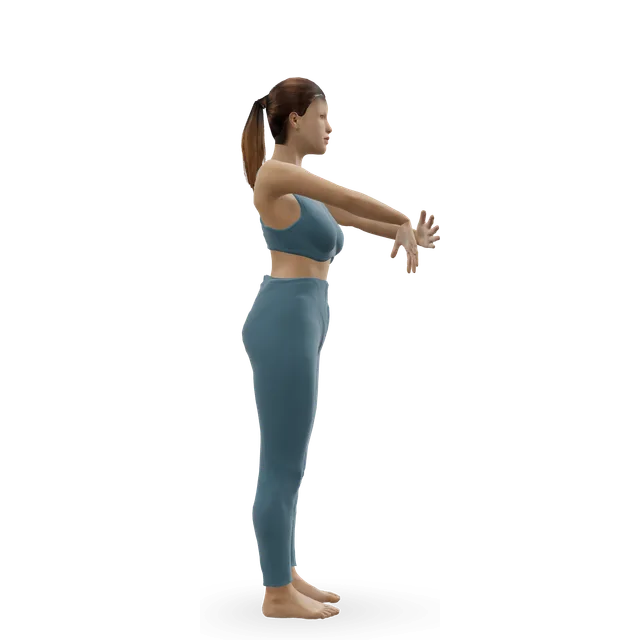 3D demoWrist extensor stretch (tennis elbow stretch)Beginner · No equipment
Every 30 to 60 minutes, stand up and pick two or three: 8 to 10 sit-to-stands from a chair that can't roll, 10 to 15 calf raises, 30 to 45 seconds of marching, a chest stretch of about 30 seconds, a quad stretch of 30 to 45 seconds each side, 8 slow wall angels or a 2 to 5 minute walk (our editorial amounts, built on the activity-break trial).
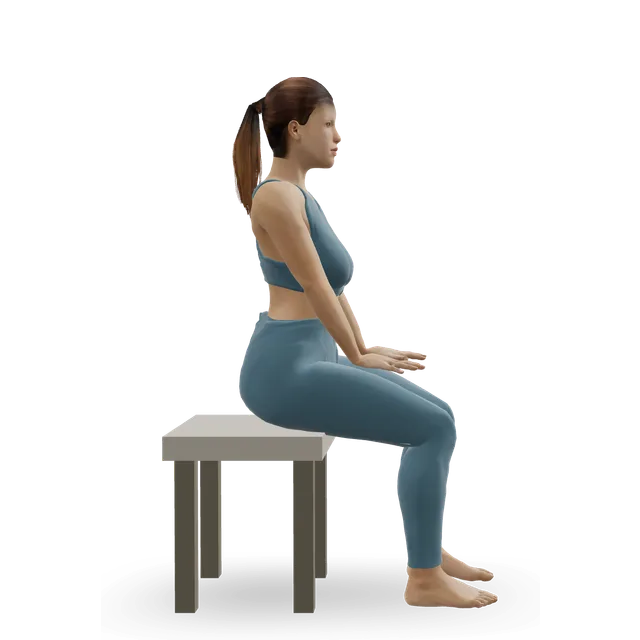 3D demoSit to stand from a chairBeginner · A bench or box
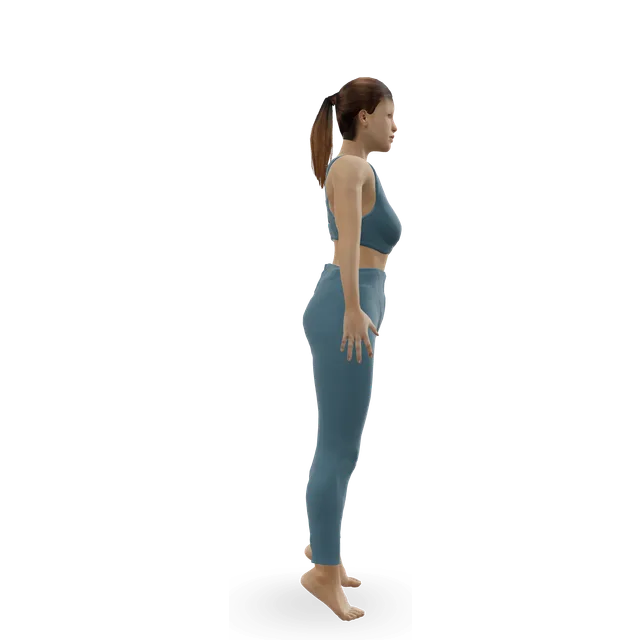 3D demoSlow calf raiseBeginner · A wall
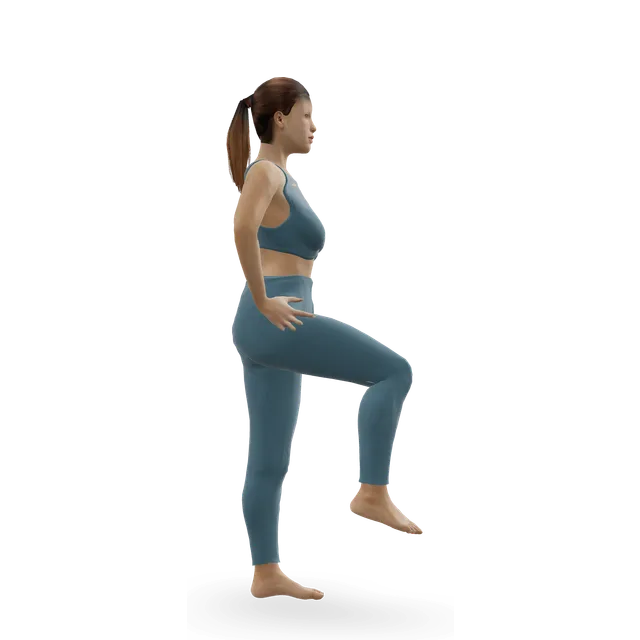 3D demoStanding marchBeginner · No equipment
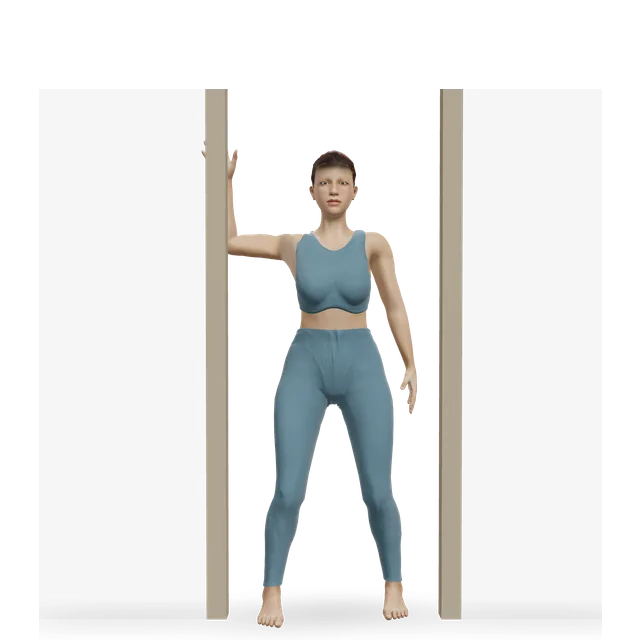 3D demoDoorway chest openerBeginner · A wall
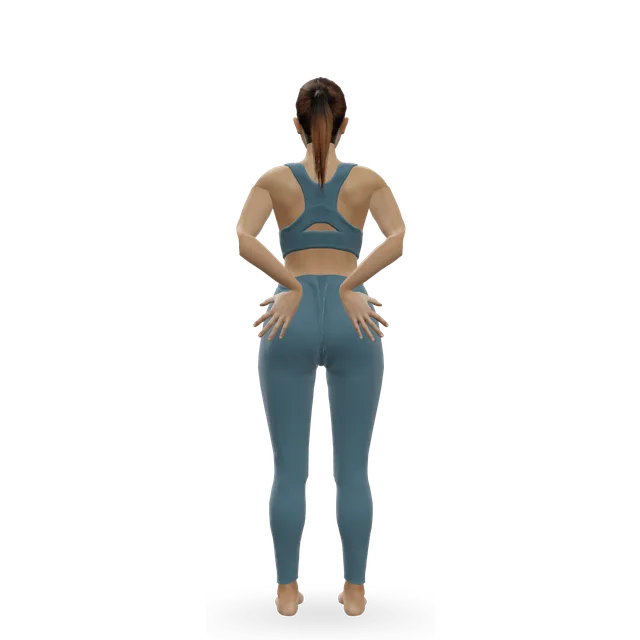 3D demoElbows backBeginner · No equipment
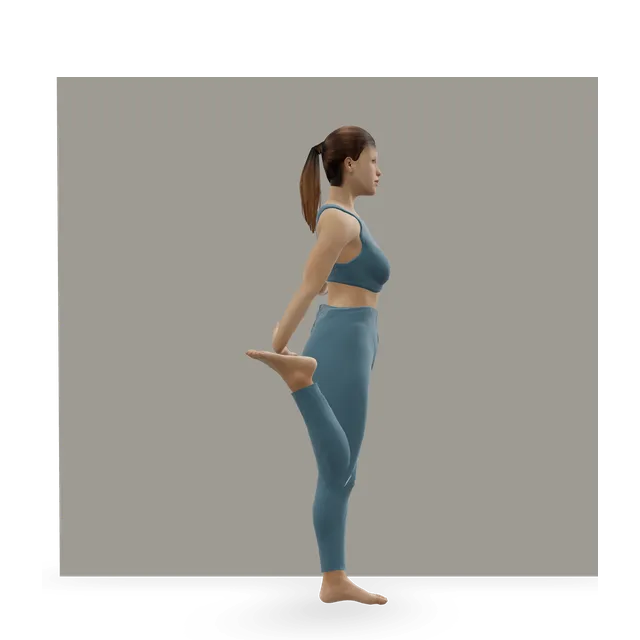 3D demoStanding Quad StretchBeginner · A wall
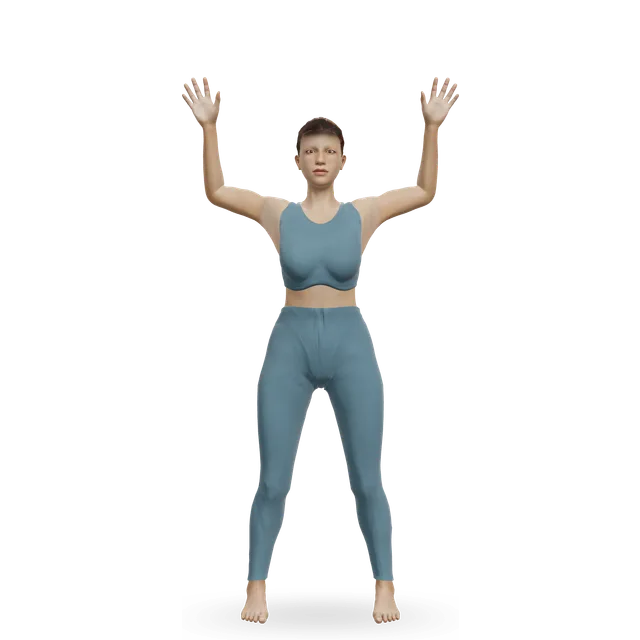 3D demoWall angelBeginner · A wall
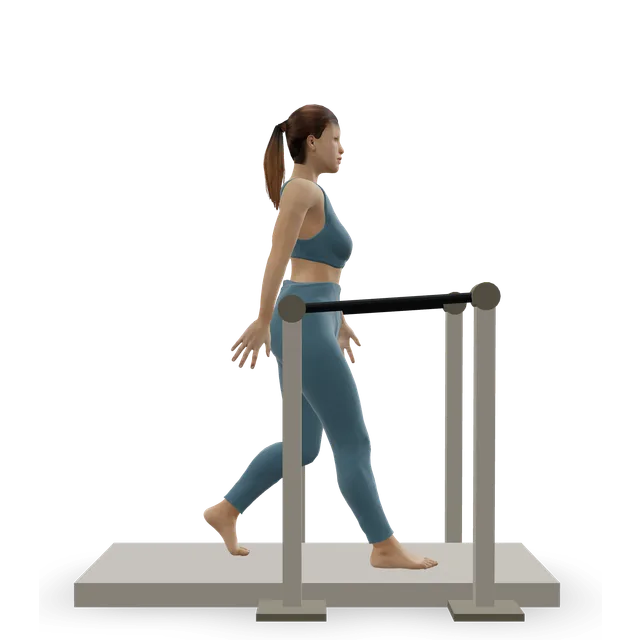 3D demoTreadmill walkingBeginner · Cardio machine
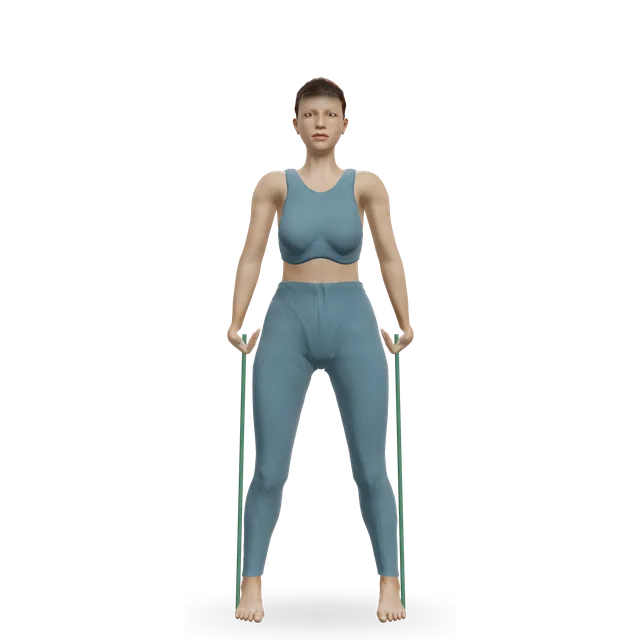
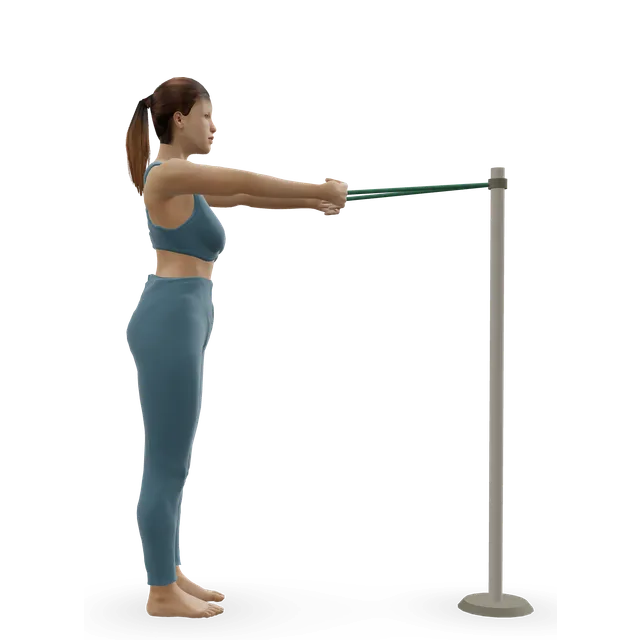
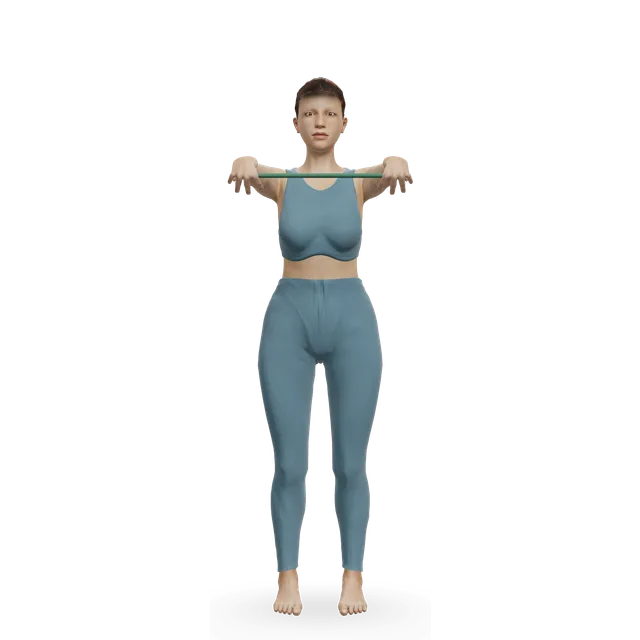
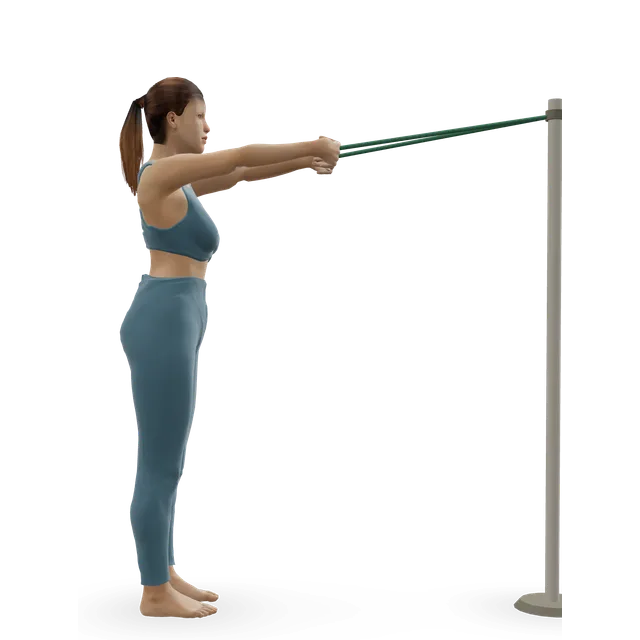
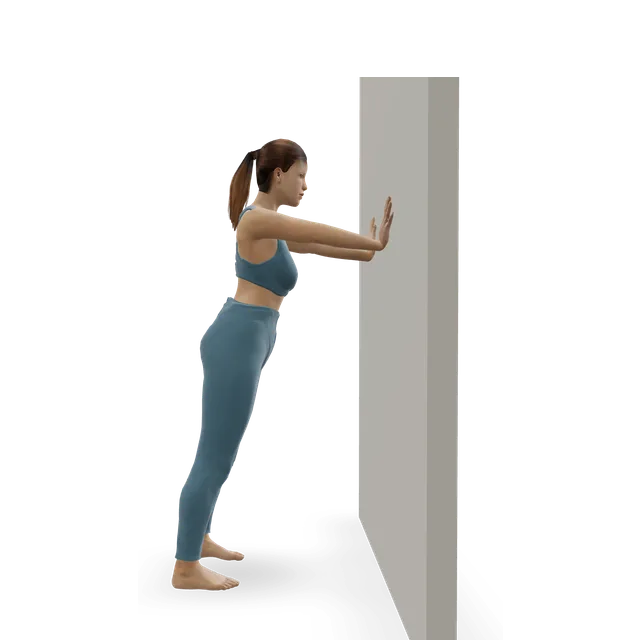
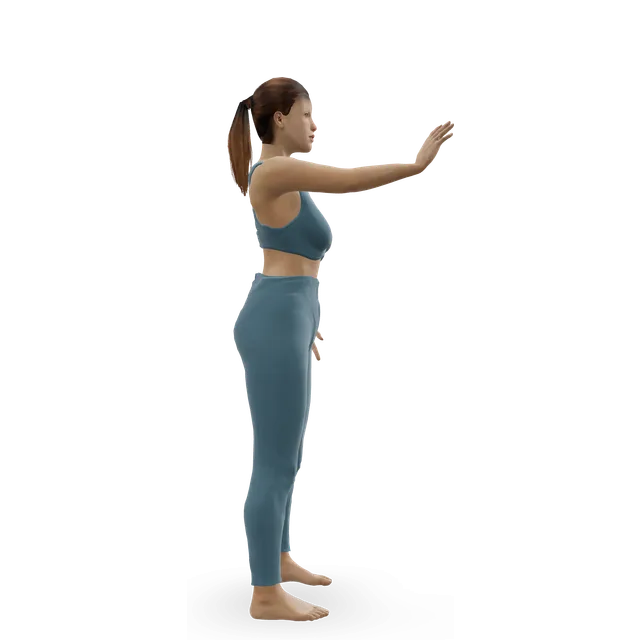
Keep a light band at your desk: 2 minutes of band lateral raises a day, 5 days a week, is the dose that cut neck and shoulder pain in office workers, and 2 sets of 12 to 15 rows, pull-aparts or face pulls, plus 10 wall push-ups, are our editorial additions.
Do the 3-minute desk break every 30 to 60 minutes, the 5-minute desk stretches twice a day and the upper-back routine after work; the walk after meals suits a lunch break.
A 3-minute standing break to repeat every 30 to 60 minutes at your desk: sit-to-stands, calf raises, marching, an upper-back turn and chin tucks.
3 minBeginner5 movesA bench or box, A wallA quick stretch break you can do beside your desk: neck, back, chest, wrists, hips and quads.
5 minBeginner7 movesA wallEight gentle neck and shoulder stretches for desk stiffness, done standing or seated in ten minutes.
10 minBeginner8 movesA wallWrist mobility and forearm strength for desk work, climbing, push-ups and handstands.
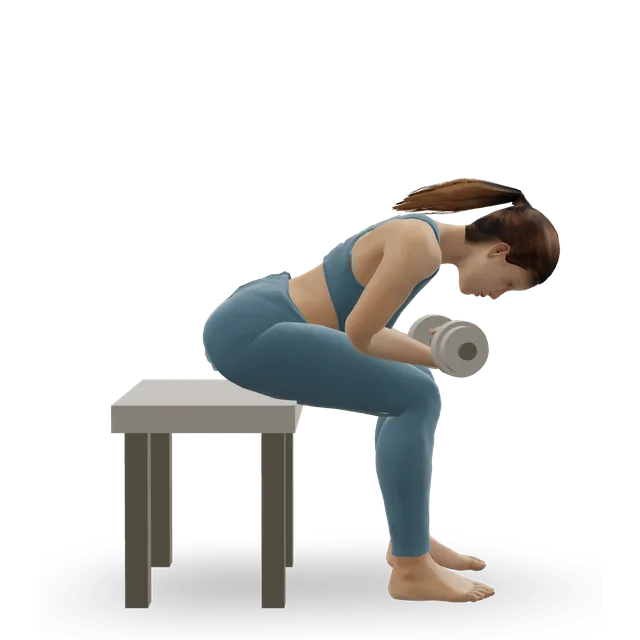
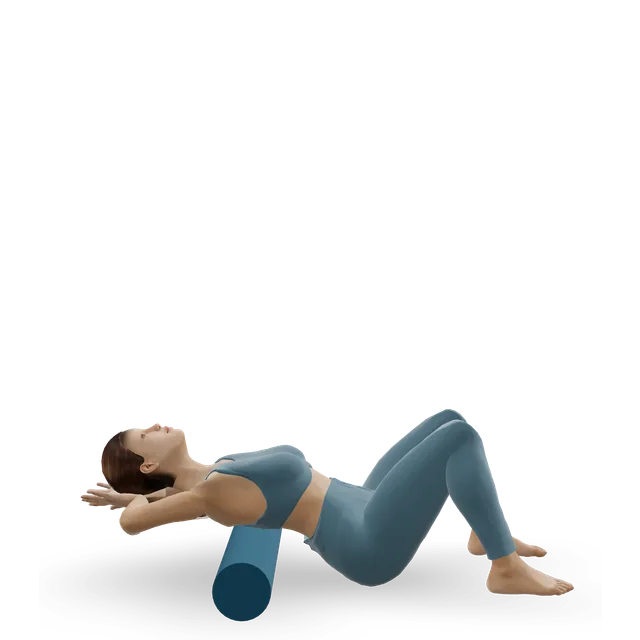
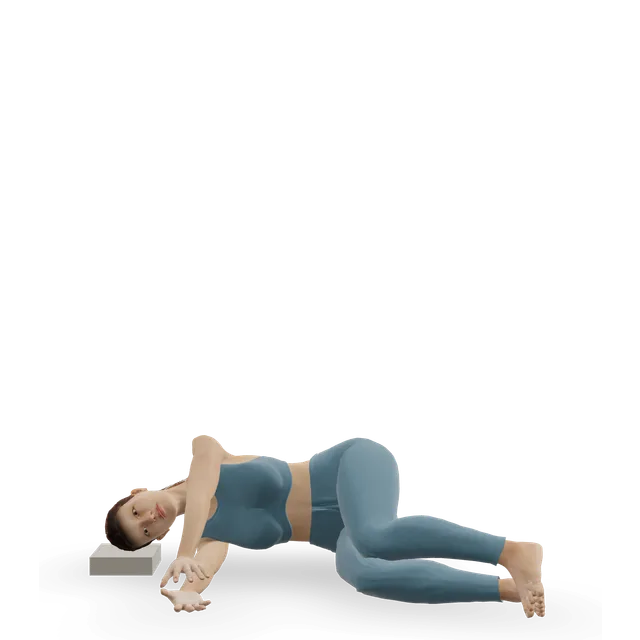
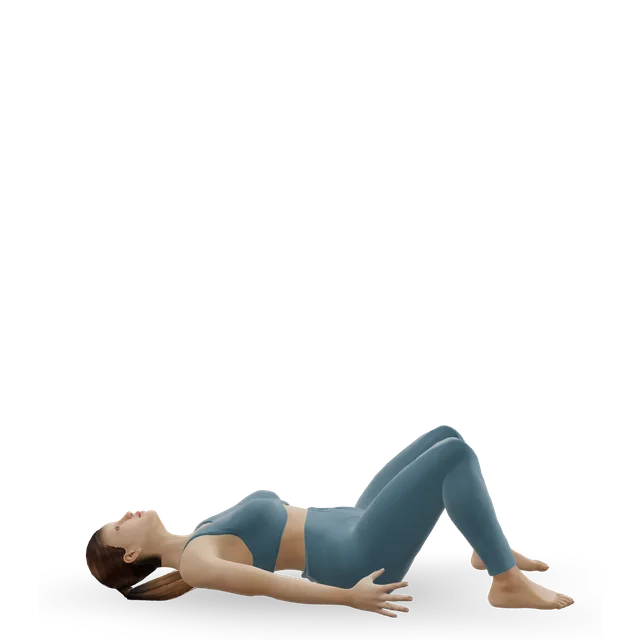
10 minBeginner7 movesA wall, A dumbbellA 12-minute routine for a stiff upper back and rounded shoulders: chin tucks, wall angels, Y-T-W raises and open books.
12 minBeginner8 movesA foam roller, A wallA 10-minute routine for straight after a meal: an easy walk, a few simple standing moves from blood sugar trials, then a short walk to finish.
10 minBeginner6 movesCardio machine, A bench or boxNHS inform advises against sitting or resting for too long. If you have to sit, change position regularly and find one that eases any pain in your back or legs.
Source 59
An NHS hospital occupational therapy leaflet suggests that if your pain is at the base of your spine, sitting with your bottom slightly higher than your knees, on a wedge cushion, may be more comfortable, and a small rolled towel at the base of your back can help. These are comfort tips, not tested treatments.
Source 60
Our back pain, sciatica, neck pain and carpal tunnel guides cover those problems, with exercises and the warning signs to look out for.
Get emergency help for any of these:
Ask for an urgent GP appointment or contact NHS 111 for any of these:
Book an appointment for any of these; in many areas you can contact NHS physiotherapy without seeing a GP first:
If screen work makes your eyes tired or gives you headaches, or makes you notice a change in your eyesight, have an eye test. UK employers must arrange and pay for one for screen users who ask.
Source 25
Physiotherapists don't agree on a best sitting posture, and OSHA counts leaning back among comfortable working positions. The advice now is to keep moving.
Workstation changes on their own haven't been shown to prevent neck, arm or back pain. Exercise has better evidence.
Sit-stand desks help you sit less, but long spells of standing bring their own problems, from back symptoms to swollen legs. Mix the two, and move.
In lab studies, ball sitting didn't meaningfully change muscle use or spine posture, and it was less comfortable.
Long hours of sitting are linked with worse health, but about an hour a day of moderate activity removed the extra risk of early death in more than a million people. The message is to sit less and move more.
Screen work can tire your eyes and cause headaches, but it doesn't cause permanent damage.
Source 25
Research hasn't found one: physiotherapists don't agree, and the Chartered Society of Physiotherapy says there is no perfect posture or right or wrong desk set-up. Sit in a way that feels comfortable and supported, and change position often.
The UK's Health and Safety Executive suggests the top of the screen level with your eyes and about an arm's length away, the keyboard just below elbow height, the mouse in line with your elbow, and your thighs and lower back supported, with a 2 to 3 cm gap between the seat edge and the back of your knee. OSHA in the US adds a screen distance of 50 to 100 cm and a footrest if your feet don't reach the floor. This makes you comfortable; on its own, it hasn't been shown to prevent aches.
No exact rule is proven, but short, frequent breaks are best: the Health and Safety Executive says 5 to 10 minutes every hour beats 20 minutes every 2 hours. The NHS advises getting up and moving around every hour or so. In people with type 2 diabetes, 3 minutes of light activity every 30 minutes lowered blood sugar after meals.
Sit-stand desks cut sitting at work by about an hour a day over 3 to 12 months and may ease low back discomfort a little. Standing all day isn't the answer: long spells of standing are linked with low back symptoms and raised discomfort in a lab study. Switch between the two, and keep moving.
That overstates it. Long hours of sitting are linked with more heart disease, type 2 diabetes and early death, and the WHO and UK guidelines say sit less and break it up. In over a million people, 60 to 75 minutes a day of moderate activity removed the extra death risk linked with sitting more than 8 hours a day.
It's an optometrists' rule of thumb: every 20 minutes, look at something 20 feet (6 metres) away for 20 seconds. Reminders reduced eye-strain symptoms in a small study with no comparison group, but in a lab trial 20-second breaks made no difference. Screen work doesn't permanently damage your eyes, and UK employers must pay for an eye test for screen users who ask.
Use one if it makes you more comfortable; UK and US workplace guidance suggests a cushion or a rolled towel if your chair doesn't support your lower back. Lumbar supports change how you sit a little, but they haven't been shown to prevent or treat back pain.
Not that research shows. Sitting on a ball didn't meaningfully change muscle use or spine posture, and people reported more discomfort. Kneeling chairs keep the lower-back curve closer to standing, but in a small trial people preferred an ordinary chair.
For long spells, use a separate keyboard and mouse with the laptop raised on a stand or books, or plug in a separate screen. With a laptop on their laps, people tilted their heads down and bent their wrists back more than at a desk. At home you may not need office furniture, as long as you can work comfortably and change position.
Chin tucks, seated upper-back lifts, upper-back turns, neck and shoulder stretches, sit-to-stands, calf raises and marching all work without a mat. The best-tested option is a little strength work: 2 minutes a day with a resistance band, 5 days a week, reduced neck and shoulder pain in office workers. Our 3-minute desk break and 5-minute desk stretches are follow-along routines.
Find a position that eases your pain, change it regularly, and avoid sitting for too long. Some people find a small cushion at the base of the back, or sitting with the hips slightly higher than the knees, more comfortable. If it isn't settling, see our back pain guide and its warning signs.
Long spells of sitting still are one reason the NHS advises getting up and moving around every hour or so. Get urgent advice from NHS 111 or your GP for throbbing pain and swelling in one leg with red, blue or darkened skin, which could be a blood clot. Call 999 if you also have chest pain or feel short of breath.
Exercise education, not a diagnosis or treatment plan, and clinical review of these guides is pending. Get a curve or hunch that is new or getting worse checked, above all in a growing child or after a fall, and get urgent help for numbness or weakness in the legs or a change in bladder or bowel control. Health disclaimer.