Training guide

How to use a walking pad: steps and calories, working while you walk, speed, posture and safety, and how it compares

A walking pad is a slim treadmill without handrails that slides under a standing desk. Walking slowly while you work turns sitting time into light activity: about 100 to 120 more calories an hour than sitting, and a few thousand more steps on the days you use it. You'll type a little slower, especially at first, and it's not a replacement for brisk walking.

This guide covers setting it up, the speeds that suit typing, calls and walks, how long to build up to, steps and calories, posture, safety (it's still a treadmill), and how it compares with a treadmill and with walking outside.

The short version

A slow treadmill for your desk

A walking pad is a flat, slow treadmill with no rails, made to slide under a standing desk. We found no study of walking pads as such: the evidence below comes from treadmill desks, which work the same way at the same speeds, and from treadmill safety data.

Sources 1, 2

Light activity, not a workout

At 1 to 2 mph (1.6 to 3.2 km/h), desk walking is light activity, and it used about 100 to 120 more calories an hour than sitting in small lab studies. It only counts toward the 150 minutes of moderate activity a week if you walk briskly, which usually means no typing.

Sources 3, 4, 5, 6

Steps and sitting: real but modest

In offices, treadmill desks added about 1,600 to 2,700 steps a day, use dropped over time, and the Cochrane review found their effect on sitting time "unclear or inconsistent".

Sources 7, 8, 9, 10, 11

Slow down to work

Typing and mouse work slow a little while you walk. In one study of 24 adults, typing matched sitting at 2.25 km/h but not at slower or faster speeds, and over months, workplace productivity didn't fall. Our suggestion: about 1.5 to 2.5 km/h for typing and calls, faster for walks with no keyboard.

Sources 12, 13, 14

Build up in blocks

Start with 10 to 20-minute bouts and work towards 1 to 2 hours a day in all, in blocks, with breaks between (our editorial starting point, from a trial's instructions and an expert statement).

Sources 9, 15

It's a treadmill without rails

Treadmills cause two-thirds of US home exercise-machine injuries, and the US regulator told people to stop using one brand's walking pads after reports of sudden speed changes and abrupt stops. Learn the stop, start the belt before you step on, keep children and pets away, and stop the belt to step off.

Sources 1, 2

What a walking pad is

The machine

A motorised belt on a low, thin deck with a small display or remote, usually with no handrails and no incline, light enough to wheel away and slide under a desk or sofa (our description; we name no product).

How it differs from a treadmill

No front bar or side rails to hold while the belt starts, a shorter, narrower belt, a lower top speed and often a remote instead of a console. Our treadmill guide's answer: "A walking pad is a flat, slow treadmill without rails, made for walking at a desk; a gym treadmill goes faster, inclines and has rails and a stop button." Its safety rules all apply.

What it works

The same muscles as walking (calves, thighs and hips), at a light effort when slow. The point isn't training them hard but replacing sitting with light movement: the NHS says "you can hit your weekly activity target but still be at risk of ill health if you spend the rest of the time sitting or lying down".

Source 16

What you need with it

A desk that rises to elbow height while you stand on the deck (a pad raises you by about 10 cm or more, so measure before you buy), a screen you can raise to eye level, and walking shoes (our suggestions).

Before you start

You should be able to walk steadily for 10 to 15 minutes without holding on. If you're unsure about stepping on and off a moving belt, practise on a treadmill with rails first (our suggestion, after our treadmill guide's steps).

How people differ

Taller people need a longer belt to walk without clipping the front, and every pad has a maximum user weight, so check it (our suggestions). People with poor balance, who use a walking aid or who have fallen are better on a treadmill with rails or walking outside. People with a higher body weight use more energy at the same speed.

Source 4

Setting up and walking at your desk

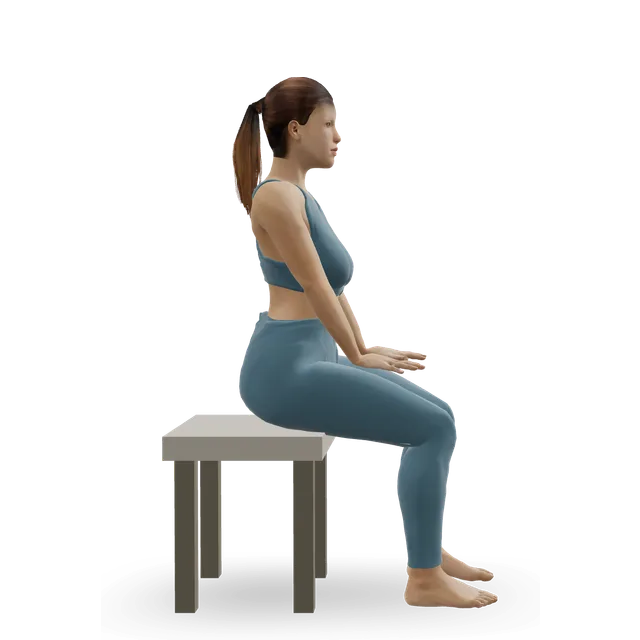
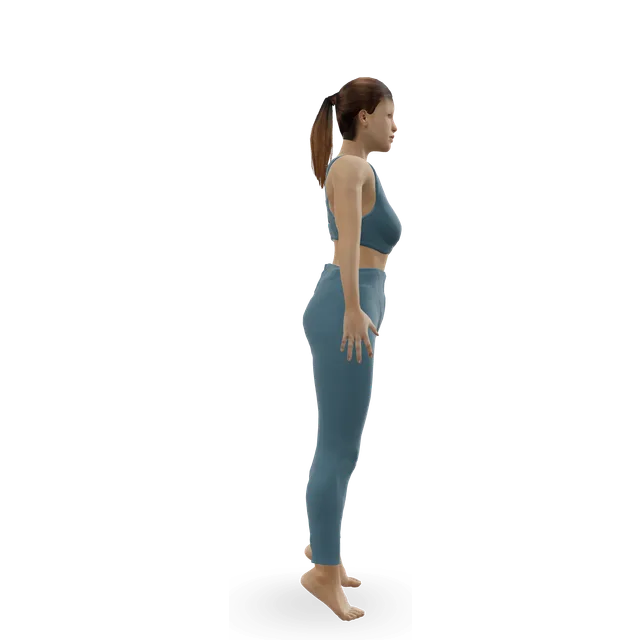
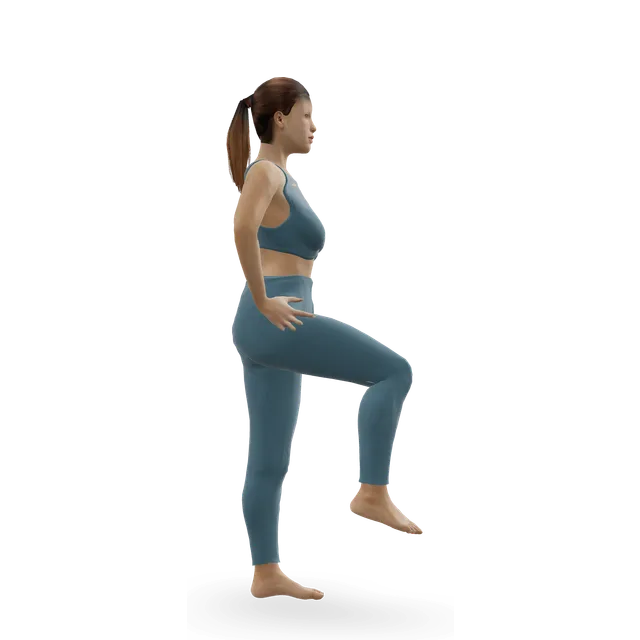
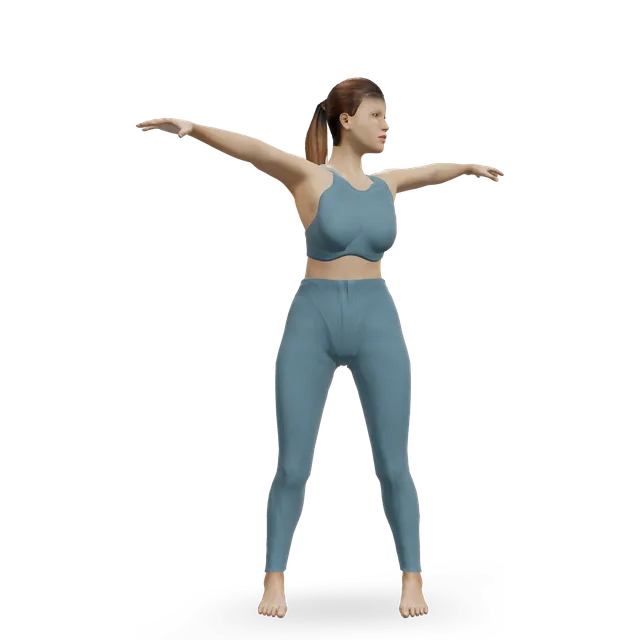
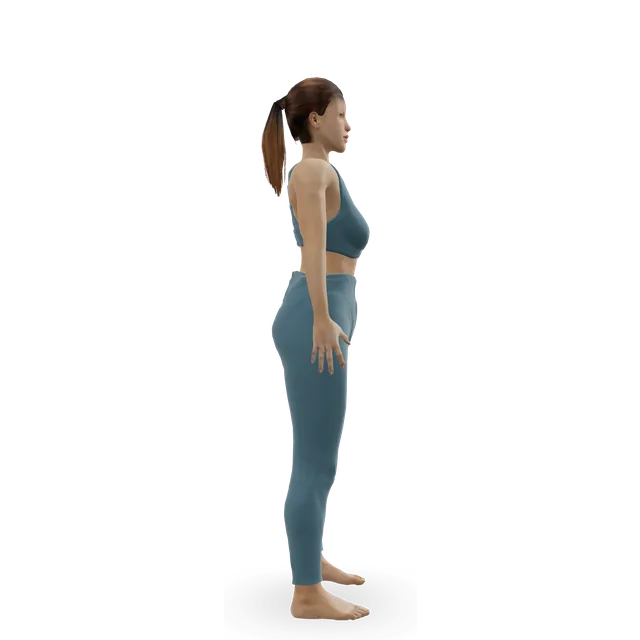
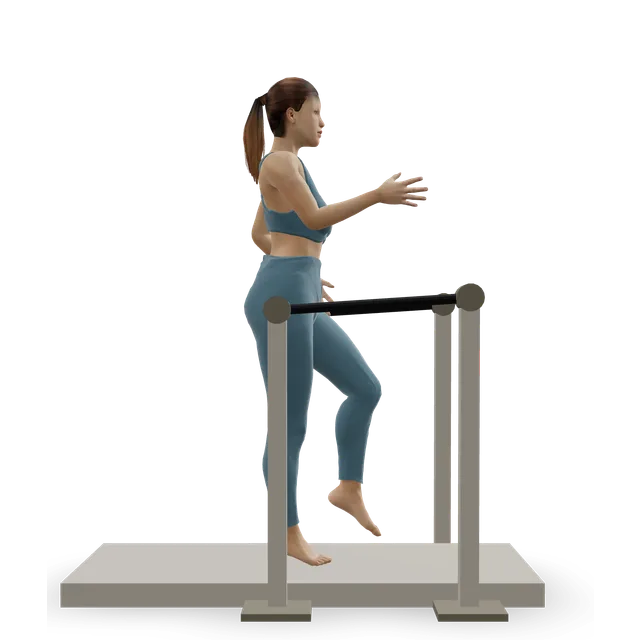
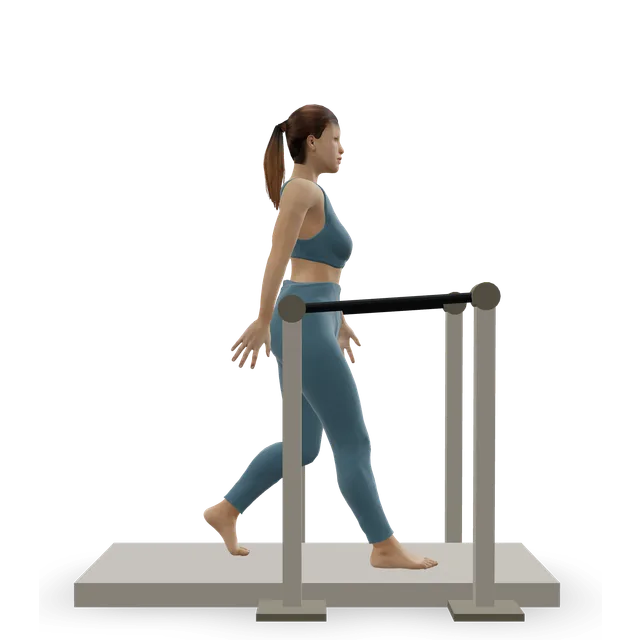
The figure shows treadmill walking; there's no demo of walking while typing. The safety steps are our treadmill guide's, adapted for a pad without rails; the desk height and speeds are our editorial starting point from the desk-walking studies.

  1. Put the pad on a firm, level floor with about 2 m by 1 m clear behind it.
  2. Raise the desk so your elbows are at about a right angle with your shoulders relaxed, and the top of the screen at about eye level.
  3. Find the stop button and, if it has one, clip on the safety key; keep the remote within reach.
  4. Stand with a foot either side of the belt if the deck allows, or hold the desk, and start the belt at its slowest speed before you step on.
  5. Walk in the middle of the belt, upright and looking ahead, with a natural arm swing when you're not typing.
  6. Raise the speed a little at a time: about 1.5 to 2.5 km/h for working, faster for a walk with no keyboard.
  7. To finish, slow down for a minute, stop the belt, and step off only when it has stopped.
  8. Unplug it and keep the remote and any key away from children; keep children and pets out of the room while it's on.

Loading the 3D figure…

Gets into position, then repeats the movement. Technical checks passed; qualified exercise review is pending.

The movement on the figure: Treadmill walking

Speed: working, calls and walks

Typing slows a littleEmerging evidence

On first use, 20 young adults typed slower while walking (36.9 against 40.2 words a minute sitting), were slower on mouse tasks and scored lower on a maths test, while attention and reading held up. Pooled across studies, typing speed fell and selective attention didn't change.

Sources 13, 17

The speed that suited typingEmerging evidence

In 24 adults, "Typing performance while walking at 2.25 km/hr. was not different than seated typing performance", but it was worse at 1.3 and 3.2 km/h. This one small study is most of what we have on a working speed.

Source 12

Mouse work and fine tasksEmerging evidence

A review noted that "the finer motor skills required for mouse-related tasks may be more affected", and mouse work while walking shortened people's steps and narrowed their stance in a lab study.

Sources 18, 19

Over months, work held upEmerging evidence

Three workplace studies over 12 to 52 weeks found no fall in productivity: "Active workstations do not appear to decrease workplace performance". In a year-long company study, ratings of performance rose, but the company funded it and an author had earlier been paid by the desk's maker.

Sources 14, 20

Our suggestion

Walk slowly, about 1.5 to 2.5 km/h (1 to 1.5 mph), for typing, calls, reading and video meetings, and stop or stand still for fiddly mouse work and anything that needs your full attention. Walk faster when you're not working.

How long and how often

What an expert statement suggestsEmerging evidence

An expert statement written for Public Health England suggests "workers should aim to initially progress towards accumulating 2 h/day of standing and light activity (light walking) during working hours, eventually progressing to a total accumulation of 4 h/day (prorated to part-time hours)". The evidence behind it was mostly observational or short-term, so treat it as a rough target.

Source 15

What one trial told peopleEmerging evidence

To get used to the treadmill "during the first week at a speed between 0.7 to 1.0 mph", then to walk at 1 to 2 mph in bouts of 10 to 30 minutes, aiming for at least 2 hours of walking a day.

Source 9

Our editorial starting point

Week 1: 2 or 3 bouts of 10 to 20 minutes at about 1 to 1.5 km/h. Then 20 to 30-minute bouts at 1.5 to 3 km/h, building towards 1 to 2 hours a day in all on workdays, with sitting or standing still between bouts.

When you're not walking

Stand up and move at least every 30 to 60 minutes. Our desk movement break's reasoning: "Set a reminder every 30 to 60 minutes: in the trial behind these moves, the breaks came every 30 minutes, and the UK's Health and Safety Executive says short, frequent breaks are better than long, rare ones."

Steps and calories

Calories: about 100 to 120 more an hour than sittingStrong evidence

In 15 adults with obesity, walking at a self-chosen 1.1 mph (about 1.8 km/h) at a desk used 191 kcal an hour against 72 seated, 119 more. In 16 adults typing at a self-paced treadmill desk, energy use rose by 1.43 to 1.93 kcal a minute over seated typing (about 85 to 115 kcal an hour, our arithmetic). Reviews agree that energy use rises a lot compared with sitting.

Sources 4, 5, 18, 21

Light, not moderateStrong evidence

The Compendium of Physical Activities rates walking at a treadmill desk at 1 to 2 mph at 2.8 METs (multiples of your resting energy use), against 1.5 for sitting office work, and classes 1.6 to 2.9 METs as light activity and 3.0 to 5.9 as moderate. For a 70 kg person, that's about 196 calories an hour against about 105 sitting (our arithmetic). Treadmill walking reaches moderate at about 2 mph and up; the NHS counts brisk walking, where you can talk but not sing, toward the 150 minutes.

Sources 3, 22, 23, 6

Steps: a few thousand more on the days you use itEmerging evidence

In a trial of 41 workers sharing a treadmill desk for 3 months, steps rose by 1,622 a day, mostly light stepping at 40 to 99 steps a minute. In 12 workers with their own desk for 9 months, without a comparison group, steps rose from 4,351 to 7,080 a day. In a 12-month trial of 66 workers, the desk group took about 2,650 more work steps a day at a year, but their total sitting time didn't differ. In 80 workers over 13 months, weekday walking rose by 22 minutes against controls, short of the 30-minute target, with no change at weekends.

Sources 7, 8, 9, 24

Use fadesEmerging evidence

In one workplace, people turned up to 45 to 50% of their booked treadmill-desk sessions, about 43 minutes a day of light walking. Plan when you'll walk.

Source 10

Sitting time: unclearMixed evidence

The Cochrane review of 34 studies found "Active workstations, such as treadmill desks or cycling desks, had unclear or inconsistent effects on sitting time", and that treadmill desks "combined with counselling seem to reduce sitting time at work". A 2023 analysis found treadmill desks with prompts cut work sitting most, but "the overall certainty of the evidence was low".

Sources 11, 25

Steps an hour, by our arithmetic

At desk-walking paces of about 40 to 99 steps a minute, an hour is roughly 2,400 to 6,000 steps. At about 90 to 100 steps a minute, 10,000 steps takes roughly 100 to 110 minutes.

Source 7

Your phone or watch may miss steps

Our steps guide's line: "Many step counters start to undercount below about 2 mph (3.2 km/h), and most record only half to three-quarters of steps at 1 mph. Wrist devices can log steps when you move your arms without walking, such as during housework." A wrist tracker relies on arm movement, so it may also miss steps while your hands rest on a keyboard (our reading). Clip your phone to your waist or keep it in a pocket (our suggestion).

Health and posture

Weight and blood markers: small changesEmerging evidence

In 36 workers given treadmill desks for a year, weight fell by 1.4 kg on average, and in 12 workers over 9 months, waist size fell by 5.5 cm; neither study had a comparison group. Pooled, cycle and treadmill desks lowered glucose and insulin but "had no effect on blood pressure and other biochemical indicators".

Sources 26, 8, 21, 27

Sitting less matters in itselfStrong evidence

The NHS says sitting for long spells is a risk even if you meet the activity target. A walking pad helps you sit less and move more; its own effect on weight or health markers is small.

Source 16

Back and neck pain: no changeEmerging evidence

Workplace programmes to stand or walk more didn't reduce back, neck or other muscle and joint symptoms in a Cochrane review of 10 studies (low quality).

Source 28

Set the desk, not your body

Screen at eye level, desk at elbow height, look ahead, and stop walking for detailed mouse work, which shortened steps in a lab study (our suggestion; our sitting posture guide has more on screens and desks).

Source 19

Safety at home

Treadmill injuriesStrong evidence

Treadmills caused 66% of US emergency visits from home exercise machines, and people over 50 were 14 times as likely to be admitted to hospital after a treadmill head injury. We found no injury data for desk treadmills or walking pads.

Sources 1, 29

A regulator's warningStrong evidence

The US regulator told people to stop using one brand's walking pads after 201 reports of "uncontrollable speed, abrupt stops and similar stability-related failures, resulting in at least 66 falls or injuries". Stop using any pad that changes speed or stops by itself.

Source 2

Children and pets

Most serious treadmill injuries are children's hands caught under the moving belt: deep friction burns and lost fingers, often while an adult was on the machine. Take the key out after use and keep it out of reach.

Keep children and pets out of the room while the treadmill is on, unplug it and take the key out afterwards, and keep about 2 m by 1 m clear behind it. Learn where the stop button is: the US regulator has warned about one brand's walking pads after reports of sudden speed changes and abrupt stops.

Starting and stopping

Our treadmill guide's rule: "Clip the safety key to your clothes every time, stand on the side rails while the belt starts at its slowest speed, then step on. At the end, slow to a walk and stop the belt before you step off. That's the makers' guidance; no study has tested the key itself, but treadmills caused two-thirds of US emergency visits from home exercise machines." A pad has no rails, so hold the desk or stand with a foot either side of the belt instead (our adaptation).

Holding the desk

Our treadmill guide on rails: "Gripping the rails cut oxygen use by 15 to 21% and heart rate by 12 to 21 beats a minute at the same setting in a small study, so you get an easier workout than the display says. A fingertip touch for balance is fine; if you need to hold on, slow down." The same goes for leaning on a desk.

The walk

The figure shows treadmill walking, the same movement as a walking pad; there's no demo of walking while typing. For a brisk walk with no keyboard, our easy cardio workout's 30 minutes at a pace where you can talk but not sing.

Desk break moves

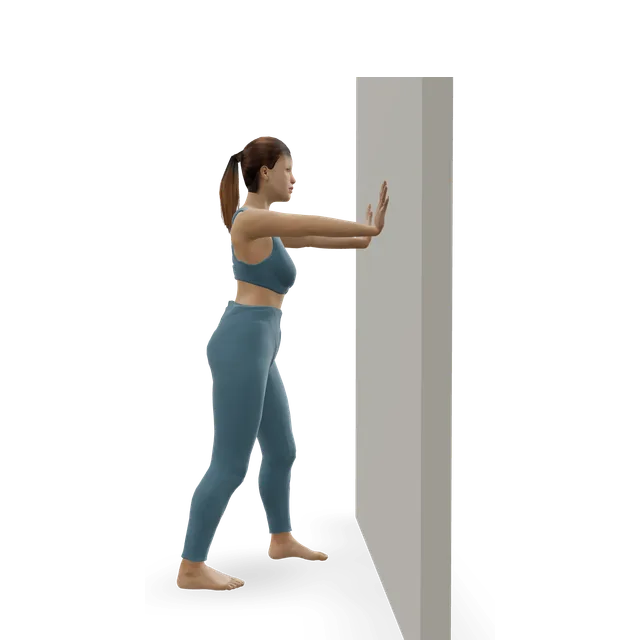
For the hours you sit, as in our 3-minute desk movement break: 40 seconds each of sit-to-stands (about 8 to 10 slow reps), calf raises (about 12 to 15) and marching, then 30 seconds of thoracic rotations (3 slow turns each side, adapted from the move page's dose) and chin tucks (5 slow reps).

Stretches after a long day

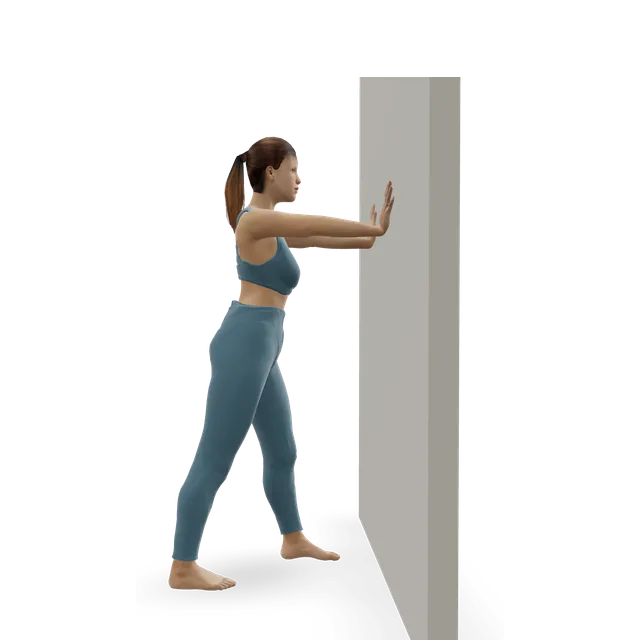
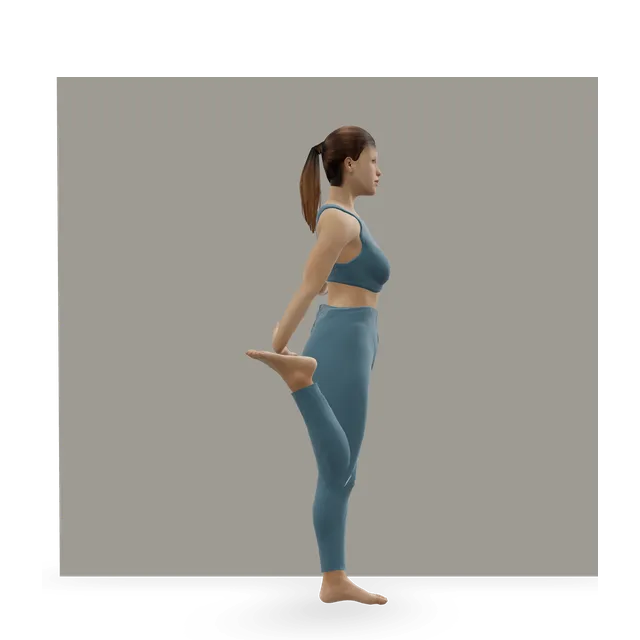
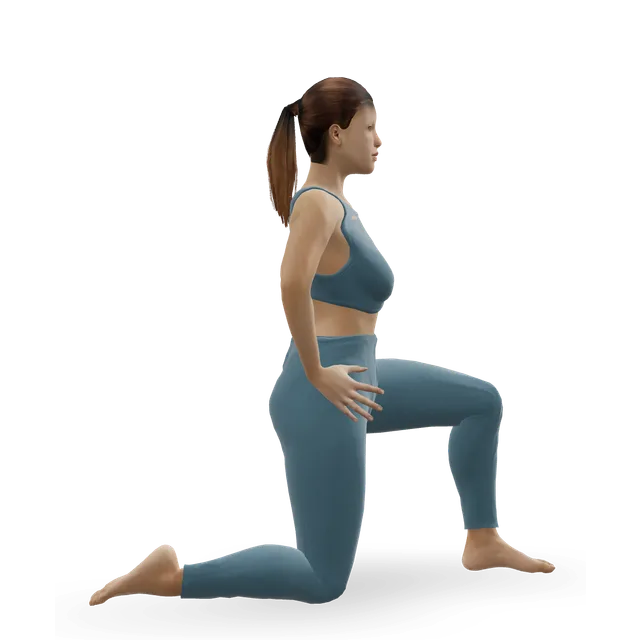
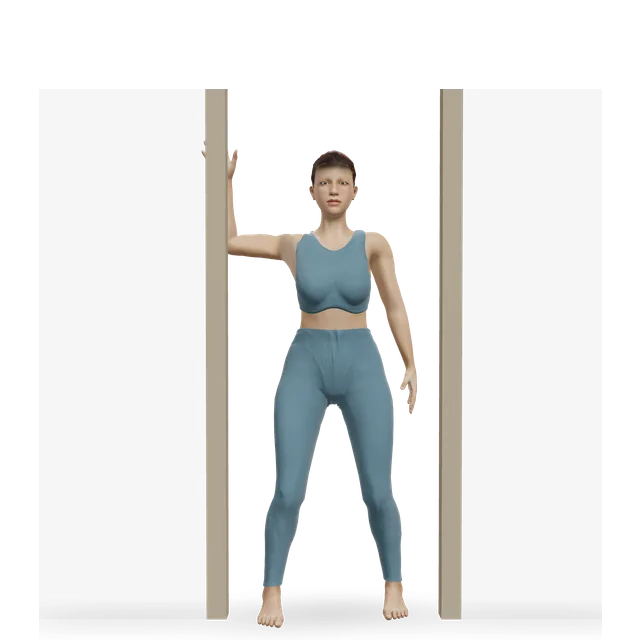
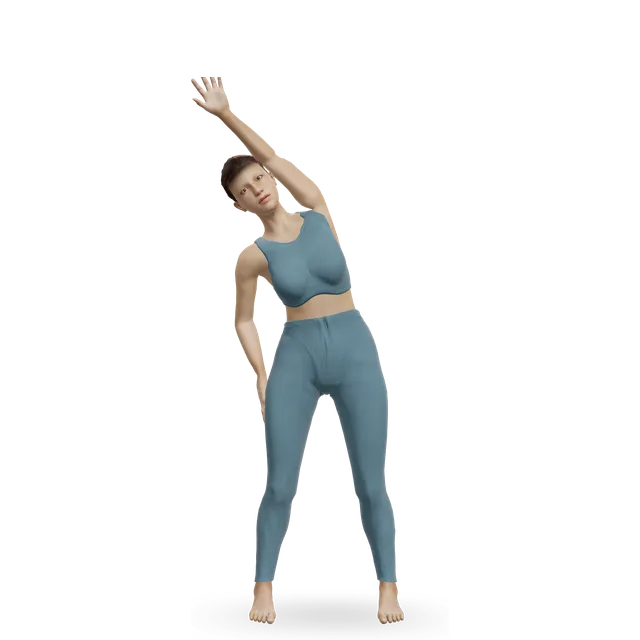
About 30 seconds each side (our editorial starting point). The standing quad stretch's move page's dose: "Hold 20 to 30 seconds, 2 to 4 times each side (our editorial starting point)."

Workouts

Desk walking is a habit, not a session. The desk break and stretches cover the hours you sit; the walking workouts suit a pad that reaches brisk speeds, with no typing.

Plans

The 30-day walking challenge sets a step target from your own average and adds to it a little at a time.

Who should change it

Poor balance, falls or a walking aid

Treadmills suit older adults well, and older adults were more likely to be admitted to hospital after a treadmill fall. Start slowly from the side rails, clip on the key, and hold a rail lightly if you need it.

A walking pad has no rails, so if you've fallen, feel unsteady or use a walking aid, a treadmill with rails or walking outside is safer (our suggestion).

Epilepsy

With epilepsy, clip on the treadmill's safety key, as our move pages say. If your balance is poor, you've fallen, or your seizures aren't controlled, hold a rail lightly and keep the speed where your feet stay sure, or choose a bike or recumbent bike (our suggestion).

Pregnancy

Walking is recommended. If you already run on a treadmill you can usually carry on at a comfortable effort, but the NHS says it's not recommended to start a new vigorous activity such as running in pregnancy. As your bump grows, your balance changes, so hold the rails lightly and keep the speed comfortable.

A pad has no rails, so hold the desk to step on and off (our suggestion).

Source 30

Numb feet

With numb feet from diabetes or another cause, choose low-impact options, wear well-fitting shoes, and check your feet for redness or blisters afterwards; with an open sore or ulcer, do no weight-bearing exercise until your foot team says so.

A heart condition or a long gap since you exercised

Speak to a GP first if you haven't exercised for some time, or if you have a medical condition or concerns. Get advice first, too, if you have a health problem, an injury or symptoms, have recently had a heart attack or an operation, or are pregnant or have recently given birth.

If you have a heart condition, follow your cardiac team's advice on how hard to work, and stop for the warning signs above. People with long-term conditions may wish to ask their specialist before starting. With uncontrolled high blood pressure, avoid straining against a held breath; the high blood pressure guide has more.

Source 6

Warning signs

Stop and get medical help

If you get chest pain or pressure, feel faint or dizzy, are unusually breathless, or your heart races or beats irregularly during exercise, as our plans advise.

Source 31

Call 999 (911 in the US)

For chest pain that comes on suddenly and doesn't go away, feels tight or like squeezing, spreads to your arms, neck, jaw, stomach or back, or comes with sweating, feeling sick, light-headedness or breathlessness; severe difficulty breathing; someone who faints while exercising; palpitations that don't go away, or come with chest pain, shortness of breath or feeling faint; or a headache that starts suddenly and is extremely painful, especially while lifting or straining, or comes with numbness or weakness, difficulty speaking or loss of vision. The NHS says a bleed on the brain may be more likely when lifting something heavy. Don't drive yourself to A&E.

Sources 32, 33, 34, 35, 36, 37

Suddenly more breathless than usual

Call NHS 111 (in the US, your doctor or an urgent care centre) if you're suddenly more short of breath than usual, or have chest pain with feeling sick or a heartbeat that races, skips or flutters.

Sources 34, 36

A headache brought on by exercise

Ask for an urgent GP appointment or get help from NHS 111 for a headache that's triggered or made worse by coughing, sneezing, bending down or exercising. In the US, contact your doctor or urgent care.

Source 38

During a session

Stop straight away if you feel any pain or become unwell, the NHS says, and contact 111 if your symptoms worry you or don't go away.

A dull ache in your muscles for a day or two after something new is normal. Joint pain that's sharp, gets worse during a set or lingers into the next day means switching to the easier option, and seeing a GP or physiotherapist if it carries on (our plans' rule). Our muscle soreness guide has more.

Source 31

Light-headed after you step off

See a GP after any faint, and if you keep feeling light-headed after slowing down gradually, or dizziness keeps coming back.

Sources 39, 35

Call 999 (911 in the US) after a fall

  • After a fall: a possible injury to your head, neck, back or hip, or you cannot get up.
  • Call 999 or go to A&E: severe hip pain after a fall or injury, or you cannot stand, walk or put weight on the leg. In an older adult this can be a broken hip; the leg may be at an odd angle or look shorter. Don't drive yourself.

Source 40

After a knock to the head

Call 999 if someone has been knocked out and hasn't woken up, can't stay awake, has a fit, has new numbness or weakness, or has problems with their vision, speech, walking or balance. Get help from NHS 111 after a head injury if they're being sick, feel dizzy, or take medicine that thins the blood, as the NHS advises.

A burn from the belt

Hold the burn under cool running water for 20 minutes. Call 999 or go to A&E for a large or deep burn, or one on the face, genitals or bottom, and call NHS 111 if you're not sure what to do or for advice for a child under 5, as the NHS advises.

Your calf or heel

Same day (NHS 111): throbbing pain and swelling in one calf or thigh, with warm, red or darker skin around it, which can be a blood clot in a leg vein; or a snap or pop at the back of the heel, then trouble walking or standing on tiptoe.

Source 41

A blood clot

Also call 999 for pain and swelling in one leg with breathlessness or chest pain: it can be a blood clot that has reached the lungs.

Same day (urgent GP appointment or NHS 111): throbbing pain in one leg (rarely both), usually the calf or thigh; swelling in one leg (rarely both); red, blue or darkened skin around the painful area, which may be harder to see on brown or black skin; or swollen veins. This can be a deep vein thrombosis (DVT). It is more likely after surgery, a hospital stay, 3 or more days in bed, a journey of over 4 hours, pregnancy or a recent birth, cancer, a previous clot, or oestrogen-containing contraception or HRT.

Break up long spells of sitting. The NHS advises getting up and moving every hour or so to help prevent clots, especially on journeys of over 4 hours.

Source 41

Pain in one spot on a bone

Pain in one spot on the shin or a foot bone that you can point to with a fingertip, worse with impact and later present at rest or at night: a possible stress fracture. Stop running and jumping until it has been checked.

One spot on a foot bone that hurts with every step and later at night: a possible stress fracture.

Go to A&E: severe pain after an injury, which can mean a broken bone, or you cannot put any weight on the leg. A stress fracture can become a complete break if you keep loading it.

Your knee

Go to A&E (accident and emergency) if you've injured your knee and it has changed shape, it becomes very swollen very quickly, you felt a pop or snap, you can see bone sticking out, or it's bleeding heavily. Don't drive yourself: ask someone to take you, or call 999 if the pain means you can't move your leg to get there.

Get advice from NHS 111 now: you cannot move the knee or put any weight on it, or it is very painful, badly swollen or has changed shape.

You hurt your knee and cannot take 4 steps, or you are 55 or over and have injured it: get it checked the same day for a broken bone.

Get advice from NHS 111 now: the knee locks, gives way or clicks painfully. Painless clicking is normal.

See a GP: If knee pain doesn't improve within a few weeks.

Source 42

Back pain: call 999 or go to A&E

Call 999 or go to A&E: loss of feeling or numbness around the genitals or bottom, new trouble peeing or controlling your bladder or bowels, changes in genital sensation during sex or problems with erections or orgasm, or pain, tingling, weakness or numbness in both legs. These are signs of cauda equina syndrome, which needs treating in hospital urgently. Don't drive yourself.

Source 43

Back pain: the same day

Same day (GP or NHS 111): back pain and you feel hot, cold, shivery or generally unwell, or severe pain that starts suddenly or is getting worse quickly.

Source 43

Pain spreading down a leg

Call 999 or go to A&E: leg pain with numbness around the genitals or bottom, new trouble starting or controlling peeing, not knowing when you need to poo or losing control of it, sciatica in both legs, or weakness or numbness in both legs that is severe or getting worse. These can be signs of cauda equina syndrome, which needs treating in hospital as soon as possible.

Pain, tingling or numbness spreading below the knee that isn't settling after a few weeks, is getting worse or stops your normal activities: see a GP.

Source 44

Back, neck or wrist pain at a walking desk

Some discomfort during exercise is fine, and it does not mean you are doing damage. Aim for pain you would call mild to moderate, no more than about 5 out of 10. It should settle within an hour or so, and your back should be no worse the next morning. If it is worse, do less next time (fewer reps, a smaller range, a lighter load), not nothing.

Our suggestion: stop walking while you type if your wrists or neck ache, and raise the screen so you look ahead.

A lump in the groin

A lump in the groin, or groin pain with coughing or straining (a possible hernia).

Get help from NHS 111 if you have a hernia (a lump in the groin or tummy) and pain in or around it, a bloated tummy, you feel sick or are being sick, you're vomiting blood or your vomit looks like coffee grounds, you're constipated, you have a high temperature or feel hot, cold or shivery, or you've suddenly become confused.

Call 999 or go to A&E now if you have a femoral hernia (a small lump at the top of the thigh, in the groin) and very bad tummy pain, you feel sick or are being sick, you cannot fart or poo, you have a high temperature or feel hot, cold or shivery, or you've suddenly become confused. It may be strangulated, which is an emergency. Don't drive yourself.

Sources 45, 46
Common mistakes

Typing fast at a brisk speed

Typing held up best at a slow pace. Walk briskly when you're not working.

Source 12

Leaning on or gripping the desk

It makes the walk easier and pulls you out of line, as holding the rails does on a treadmill.

Looking down at a laptop

Raise the screen so you look ahead.

Stepping on or off a moving belt

Start the belt before you step on, and stop it before you step off.

Walking in socks or barefoot for long spells

Wear walking shoes (our suggestion).

Doing hours on day one

Start with short bouts at a slow speed, as the trials did.

Source 9

Counting desk walking as your weekly exercise

At desk speeds it's light activity. Brisk walks still count; slow typing walks don't.

Sources 3, 6

Myths

"A walking pad lets you work at full speed"Mixed evidence

Typing and mouse work slowed on first use, and typing matched sitting only at a slow 2.25 km/h in one study. Over months, productivity held up, at slow speeds.

Sources 13, 12, 17, 14

"A walking pad burns 300 calories an hour"Mixed evidence

At desk-walking speeds, about 100 to 120 calories an hour more than sitting in small lab studies; more if you're heavier or walk faster.

Sources 4, 5

"An hour on a walking pad equals a workout"Mixed evidence

At 1 to 2 mph it's light activity. Brisk walking, where you can talk but not sing, is moderate and counts toward the 150 minutes.

Sources 3, 6

"A walking pad will make you lose weight"Mixed evidence

About 1.4 kg over a year in a study without a comparison group. The extra steps help your health whatever the scales say.

Source 26

"Walking at your desk fixes back pain"Mixed evidence

Workplace programmes to stand or walk more didn't reduce back or neck symptoms.

Source 28

"Your watch counts every step on a walking pad"

Slow steps are often undercounted, as our steps guide says, and a wrist tracker may miss steps while your hands are on the keyboard (our reading).

"Walking pads are safe because they're slow"Mixed evidence

Treadmills cause most US home exercise-machine injuries, and a regulator warned about one brand's walking pads changing speed and stopping suddenly.

Sources 1, 2

Questions people ask

How do you use a walking pad under a desk?

Raise the desk to elbow height and the screen to eye level, start the belt at its slowest speed before you step on, and walk at about 1.5 to 2.5 km/h while you type or talk. Stop the belt before you step off.

What speed should I walk on a walking pad while working?

Slowly: about 1.5 to 2.5 km/h (1 to 1.5 mph). In one small study, typing matched sitting at 2.25 km/h but not at slower or faster speeds. Speed up for walks when you're not typing.

How many calories does a walking pad burn?

At desk speeds, about 100 to 120 more an hour than sitting in small studies, or about 200 an hour in all for a 70 kg person, by our arithmetic from the Compendium. Faster walking and a heavier body burn more.

How many steps an hour on a walking pad?

Roughly 2,400 to 6,000 at desk-walking paces of 40 to 99 steps a minute, by our arithmetic. Office trials added about 1,600 to 2,700 steps a day, and your watch may undercount slow steps.

How long should I walk on a walking pad each day?

Start with bouts of 10 to 20 minutes and build towards 1 to 2 hours a day in all, in blocks. An expert statement suggests working up to 2, then 4, hours a day of standing and light walking at work.

Does a walking pad help you lose weight?

A little: about 1.4 kg over a year in one study without a comparison group. The extra steps are good for your health whatever the scales say.

Is a walking pad as good as a treadmill?

For slow walking at a desk, yes. For brisk walking, hills, jogging or holding on, a treadmill does more, and our treadmill guide covers it.

Is walking on a walking pad good exercise?

It's light activity, good for breaking up sitting. To count toward the NHS's 150 minutes a week, walk briskly enough that you can talk but not sing, which usually means no typing.

Can I use a walking pad without a standing desk?

Yes, for walks with no screen, or with a call on your headphones. Don't look down at a laptop on a low table, which pulls your head and neck forward.

Are walking pads safe?

Mostly, with care. Treadmills cause most US home exercise-machine injuries, so learn where the stop is, start the belt before you step on, keep children and pets away, and stop using any pad that changes speed or stops by itself.

Is a walking pad good for older adults?

It can be if your balance is good, but it has no rails. If you've fallen, feel unsteady or use a walking aid, a treadmill with rails or walking outside is safer.

Can I use a walking pad when pregnant?

Walking is recommended in pregnancy. As your bump grows your balance changes, so keep the speed comfortable and hold the desk to step on and off.

Sources

  1. Graves 2014 · Injuries from home exercise machines in US emergency departments, 2007 to 2011 (surveillance study, Inj Prev)
  2. US Consumer Product Safety Commission 2026 · Warning on one brand's walking pads and treadmills after 201 reports of uncontrollable speed or abrupt stops (warning, read from the Wayback Machine)
  3. Compendium of Physical Activities 2024 · Occupation: sitting, standing and treadmill-desk walking (reference values)
  4. Levine 2007 · Energy use at a walk-and-work desk in 15 office workers with obesity (lab study, Br J Sports Med)
  5. Schuna 2019 · Energy use while typing at standing, treadmill and pedal desks in 16 adults (lab study, J Phys Act Health)
  6. NHS · Physical activity guidelines for adults aged 19 to 64
  7. Schuna 2014 · A shared workplace treadmill desk for 3 months in 41 workers (RCT, J Occup Environ Med)
  8. John 2011 · Treadmill desks for 9 months in 12 office workers (uncontrolled study, J Phys Act Health)
  9. Arguello 2021 · Treadmill and sit-stand desks for 12 months in 66 workers (cluster RCT, Med Sci Sports Exerc)
  10. Tudor-Locke 2014 · Who used a workplace treadmill desk, and how often (trial report, Appl Physiol Nutr Metab)
  11. Shrestha 2018 · Workplace interventions for reducing sitting at work: 34 studies, 3,397 workers (Cochrane review)
  12. Funk 2012 · Walking speed and typing at an active workstation in 24 adults (lab study, Percept Mot Skills)
  13. John 2009 · Typing, mouse work and thinking tasks on a treadmill desk in 20 young adults (lab study, J Phys Act Health)
  14. Ojo 2018 · Active workstations and workplace productivity: 7 studies (systematic review, Int J Environ Res Public Health)
  15. Buckley 2015 · The sedentary office: an expert statement on standing and light activity at work (expert statement, Br J Sports Med)
  16. NHS · Benefits of exercise
  17. Podrekar 2020 · Cycle and treadmill desks, work performance and thinking: 18 studies (meta-analysis, Work)
  18. Tudor-Locke 2014 · Energy use and work at standing, treadmill and pedal desks (review, Int J Obes)
  19. Eggleston 2019 · Typing and mouse work while walking and the way people walk (lab study, Gait Posture)
  20. Ben-Ner 2014 · Treadmill desks, activity and work performance over a year in 40 workers, funded by the employer (staggered trial, PLoS One)
  21. Podrekar 2021 · Cycle and treadmill desks, energy use and heart and metabolic markers: 22 studies (meta-analysis, Int J Occup Saf Ergon)
  22. Herrmann 2024 · The 2024 Adult Compendium of Physical Activities, with its light, moderate and vigorous bands (reference values, J Sport Health Sci)
  23. Compendium of Physical Activities 2024 · Walking, including treadmill walking by speed (reference values)
  24. Bergman 2018 · Treadmill workstations for 13 months in 80 office workers (RCT, Lancet Public Health)
  25. Zhou 2023 · Active workstations and sitting at work: 23 trials, 1,428 workers (network meta-analysis, Int J Behav Nutr Phys Act)
  26. Koepp 2013 · Treadmill desks for a year in 36 office workers (uncontrolled trial, Obesity)
  27. MacEwen 2015 · Standing and treadmill desks in the workplace (systematic review, Prev Med)
  28. Parry 2019 · Standing or walking more at work and musculoskeletal symptoms: 10 studies (Cochrane review)
  29. Catapano 2018 · Treadmill head injuries in US emergency departments over 18 years (surveillance study, Brain Inj)
  30. NHS · Exercise in pregnancy
  31. NHS · How to warm up before exercising
  32. NHS · Chest pain (past its review date: reviewed August 2023, review due August 2026)
  33. NHS · Heart attack
  34. NHS · Shortness of breath
  35. NHS · Fainting
  36. NHS · Heart palpitations
  37. NHS · Subarachnoid haemorrhage
  38. NHS · Headaches
  39. NHS · Dizziness (past its review date: reviewed April 2023, review due April 2026)
  40. NHS · Falls
  41. NHS · Deep vein thrombosis (DVT)
  42. NHS · Knee pain
  43. NHS · Back pain
  44. NHS · Sciatica
  45. NHS · Hernia
  46. NHS · Femoral hernia

Exercise education, not a personal prescription, and clinical review of these guides is pending. Check with a GP before starting hard training if you have a heart condition, chest pain, dizziness or breathlessness when active, and stop for sharp or increasing pain. Health disclaimer.